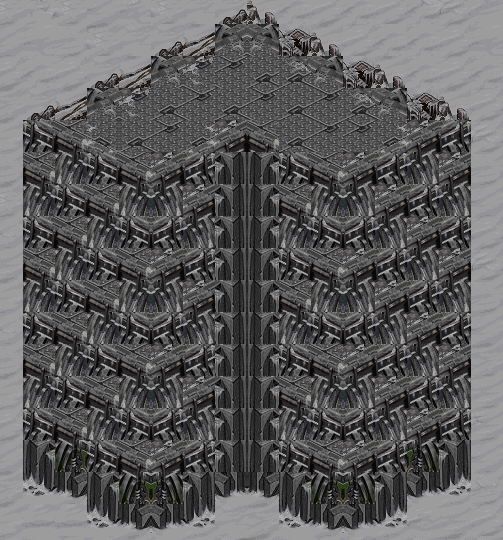
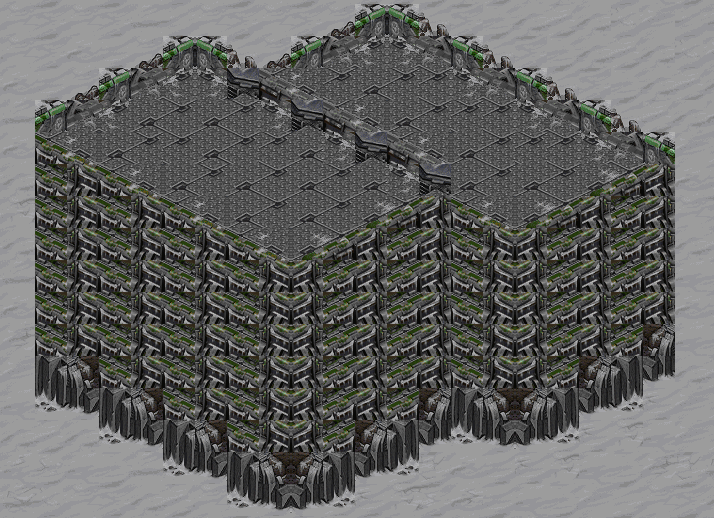
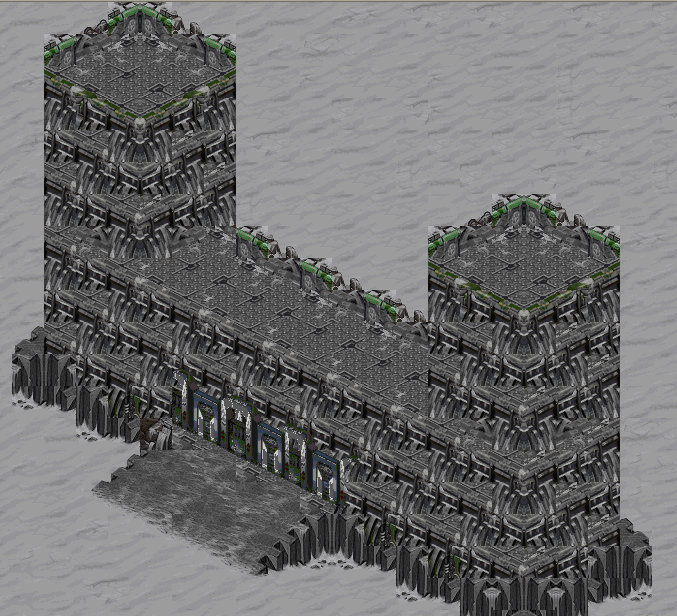
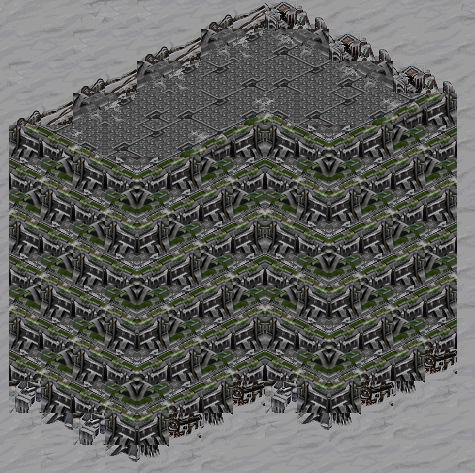
Okay im making a campagn mission and i have an ice city. The city will have buildings on it so now its kinda bland. But it turned out kinda cool, blocky, but whatever, for me using ice this is good. Also not many people do ice buildings. Alot more could be added to this.
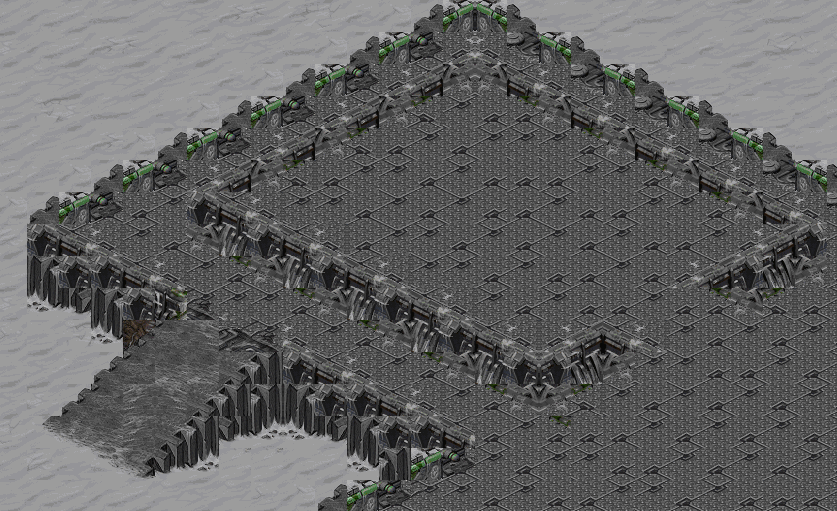
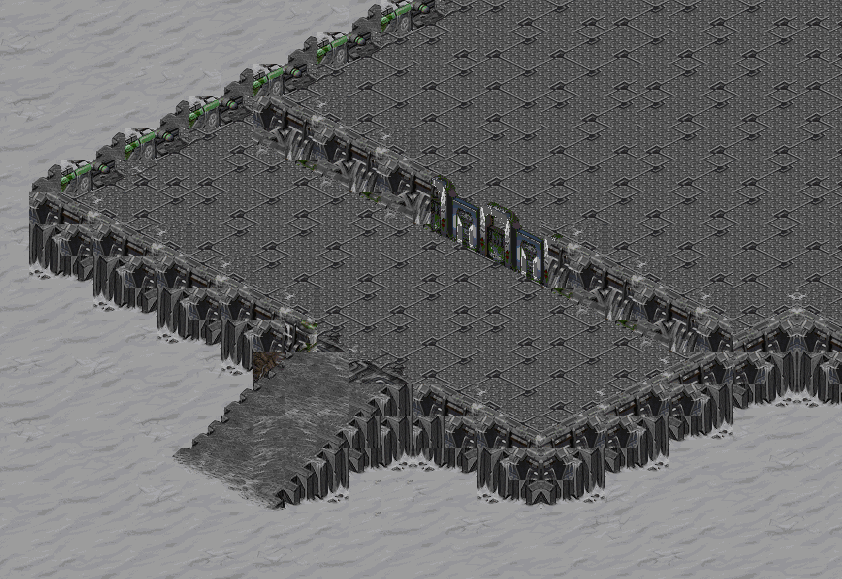
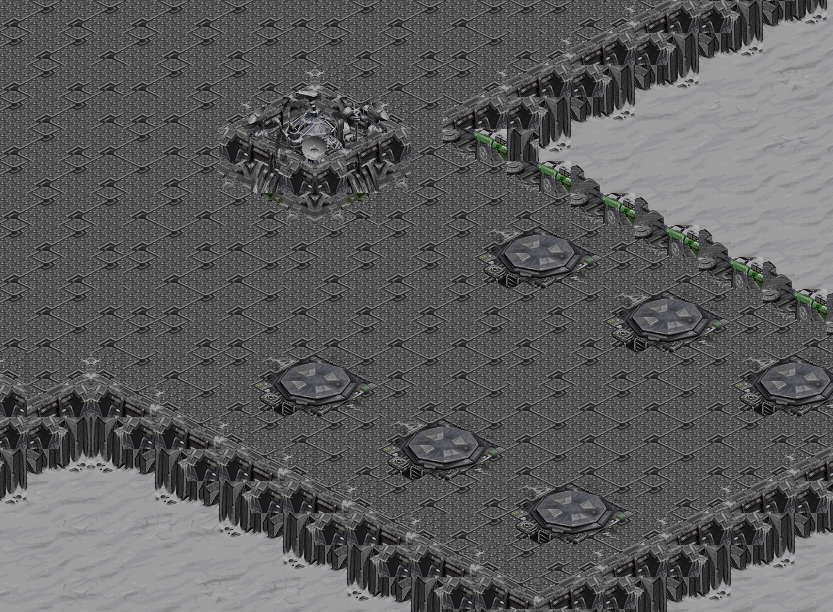
Okay, i went back and spent more time, and this is what i came up with. I know alot of it looks like my badlands and space buildings, but thats kinda the point. I dont ever see making a city scape with ice, but maybe a day-after-tomorow new york city could be done  I made some new blends and used some of the old, but i think this stuf is alot better.
Im impressed with ice, and ill probably try some more stuf later.
(sorry this is kinda generic)
Post has been edited 3 time(s), last time on Oct 4 2007, 12:09 am by RoryFenrir.
None.
TEH SEXINESS! A bit blockier than I would like, but still nice.
None.
It is a bit blocky, and most of the general blending could be done seamlessly, but good job working with somethin other than jungle.
None.
It is a bit blocky, and most of the general blending could be done seamlessly, but good job working with somethin other than jungle.
you mean badlands? Cause thats pretty much all i do.
None.
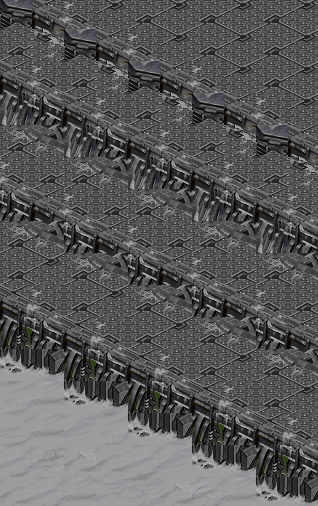
Yo, Rory, I found a better blend for building onto another building in my
terrain compilation, here's how it looks:

I think the map was from Wilhelm, but I'm not certain.
None.
Good find Falk. I like the way those look much better and I think rory will like them too.
None.
Yumm, rory, it's just the walls that are blocky tho. And anyone know how to post screenshots? Cause I need to know.
None.
Haha silly blacklight!
Editor SS: Press "print screen" or "prt scr" button. Then open Paint and press ctrl + v (or edit paste).
In-Game: Press "print screen" or "prt scr" button. Open irfranview(free shareware program) and go file>BatchConversion/rename. Then in the topright window find where you installed sc(most likely C drive>Program Files>Starcraft. In there, there will be all of the pictures you took of your game in .pcx format. select the one/ones you want to convert and press the "add button" Then choose the .png file format under "output format" dropdown menu. Then change the output directory to wherever you want it to be relocated(like "my pictures" or whatever). Then press the "start" button. Then if all goes well it should say "X files - Errors:0 - Warnings:0" and just press the "close" button.
Good luck!

None.
hmm that is a better blend, and again i didnt spend too much time looking for blends. ima do some more of this later probably too.
None.
A bit too blocky for my liking though... They look cool for ice anyway.
None.
mmm, i like the new ones, but as falkoner said, they are still a bit too blocky.
None.
Wilhelm did some work on this which i took over on for RP - Isahain Winterland.
I still have the map with both of our work in it if you'd like it.
Yeah post it I would love to see it.
None.
Really cool, I wanna play a map with this.
🤙🏾
im making a big mod, and ill have a whole bunch of ownage terrain in it. Ill probably have a snow city.
None.
Rory, the one thing I love about you is that you make buildings in every single tileset

. Installation, space, badlands, jungle, ice,[ not ashworld, not desert ].
Looks pretty sick to me, good job!
None.
i just havent tried ashworld or desert

None.
wow those actually look decent, i didnt think they would look very good because of the tileset but you pulled it off, good job
None.